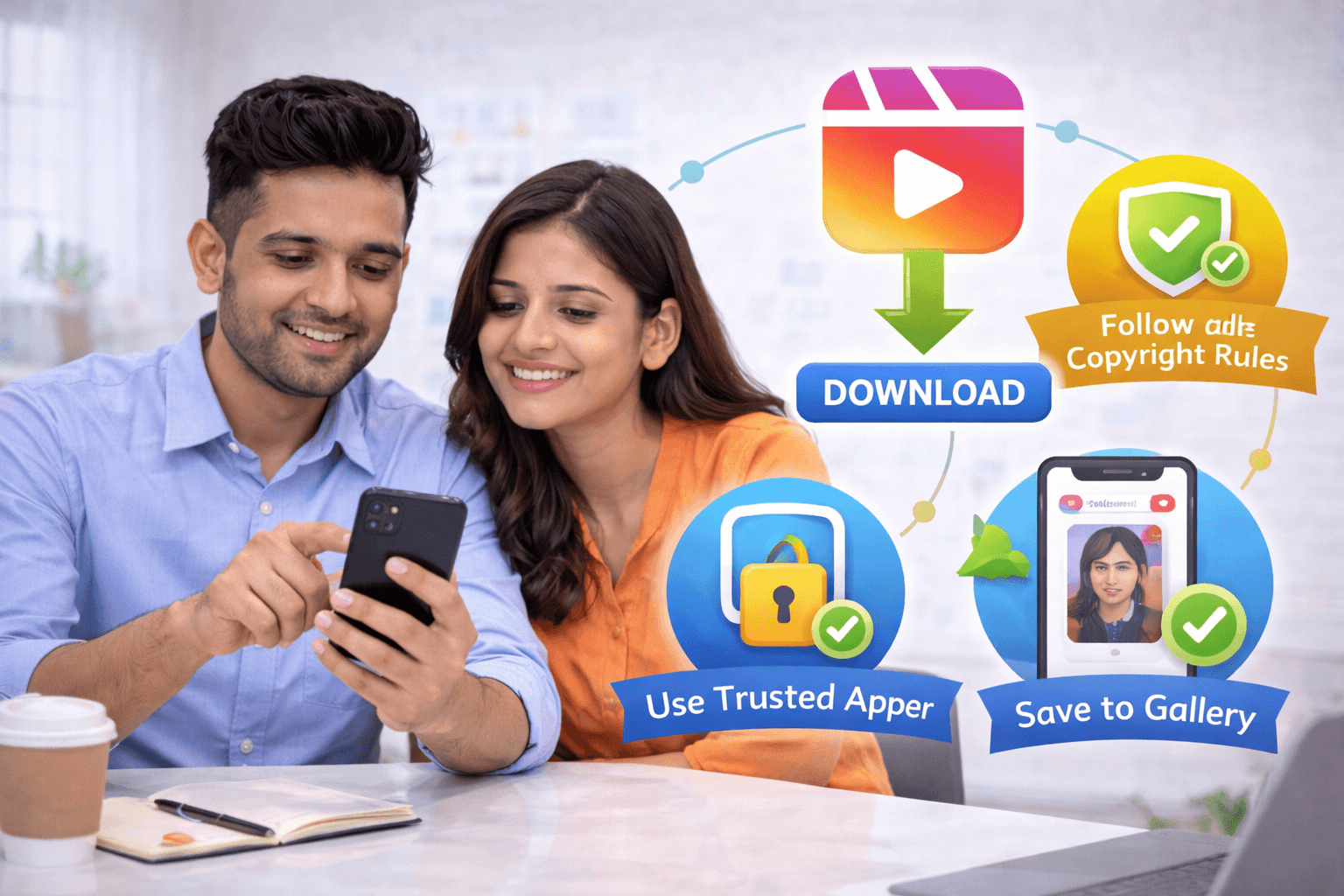

Instagram reels download is a common need for creators, marketers, and everyday users who want to save inspiring content, study trends, or watch videos offline. As short-form video continues to dominate social media, reels have become a powerful way to learn, entertain, and promote ideas quickly.
The challenge is that Instagram does not offer a direct download option for reels posted by others. This leads many users to rely on third-party tools without understanding the legal, privacy, and safety risks involved. Downloading reels incorrectly can expose your data, violate content rights, or even compromise your device.
This guide explains how to download Instagram reels safely and legally, what precautions to take, and how to use downloaded content responsibly.
What Are Instagram Reels and Why They’re Popular
Instagram Reels are short vertical videos designed for fast discovery and engagement. They allow users to create, edit, and share content with music, text, and effects in under a minute.
Reels are popular because they:
Reach wider audiences through algorithmic discovery
Support trends, challenges, and storytelling
Help creators grow faster than static posts
Keep users engaged with quick, visual content
For brands and marketers, reels are now a core part of content strategy. If you want to understand the platform deeper, it helps to Learn Instagram Marketing and see how reels fit into long-term growth.
How to Download Instagram Reels Safely
Downloading Instagram reels safely starts with understanding what is allowed and what is risky. Instagram allows users to save reels within the app, but this only bookmarks the content. It does not create an offline copy.
Safe approaches include:
Downloading your own reels directly from Instagram
Using trusted web-based tools without login requirements
Avoiding apps that ask for your Instagram password
Scanning downloaded files for malware
When searching for an Instagram video downloader, always prioritize tools that work through public links and do not store personal data.
Privacy and Security While Downloading Reels
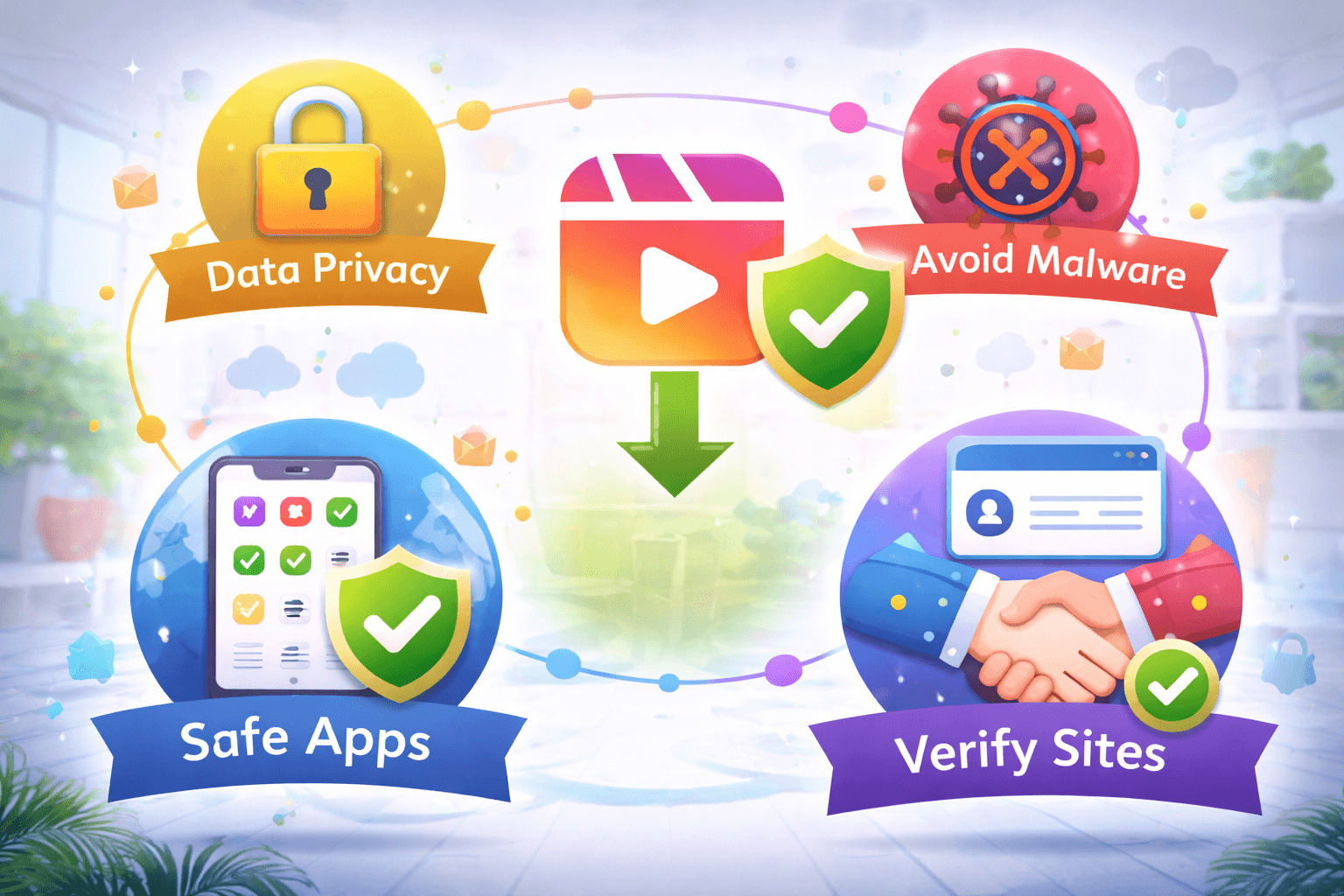
Privacy is often overlooked during Instagram reels download. Many tools collect user data or inject trackers into downloads.
To protect yourself:
Never log into Instagram through third-party download tools
Avoid browser extensions with excessive permissions
Do not download reels from private accounts
Use secure browsers and updated devices
If you manage Instagram professionally, automation and security matter. Learning about Instagram DM Automation can also help you understand safe tool usage across platforms.
How to Share Downloaded Instagram Reels Legally
Downloading a reel does not automatically give you the right to repost it. Legal sharing depends on how the content is used.
You can share downloaded reels legally when:
The creator has given permission
You credit the original creator clearly
You use content for personal reference or education
You repost within fair use guidelines
You should avoid:
Reposting reels as your own content
Using downloaded reels for commercial gain without consent
Editing out creator credits
For creators aiming to grow ethically, learning how to Create Viral Reels helps you produce original content instead of relying on downloads.
Tips for Organizing Your Downloaded Reels
Once you start saving reels, organization becomes important, especially for marketers and content planners.
Helpful organization tips include:
Creating folders by niche or topic
Renaming files with keywords or themes
Separating inspiration from reference content
Backing up reels to cloud storage
Organized reels are useful for planning future posts. This works well when combined with a structured posting strategy like Plan Instagram Posts.
Instagram Reels Download on Mobile and Desktop
Instagram reels download works differently depending on the device.
On mobile devices:
Android users can use browser-based download tools
iPhone users should rely on web tools or shortcuts
Avoid unofficial apps that request login access
On desktop:
Copy the reel URL and paste it into a trusted downloader
Save files directly to organized folders
Scan downloads before opening
Desktop tools are often more stable for Instagram media download and backup purposes.
Instagram Reels Without Watermark: What to Know
Many users look for Instagram reels without watermark for reposting or editing. While some tools offer watermark removal, you should use them responsibly.
Important points to remember:
Removing watermarks does not remove ownership
Creator credit is still required
Watermark removal should be for personal editing or learning
Commercial reuse needs permission
If your goal is brand growth, collaborations are more effective than reposting. Learning Instagram Collaboration Tips helps you grow without legal risk.
Final Checklist Before Downloading Instagram Reels
Before downloading any reel, run through this checklist:
Is the reel from a public account?
Are you using a trusted Instagram downloader?
Are you avoiding login-based tools?
Do you understand how the content will be used?
Will you credit the creator if sharing?
This simple checklist protects your privacy and keeps your Instagram usage compliant.
Why Downloading Reels Should Be Purpose Driven
Instagram reels download works best when done with intent. Random downloading leads to clutter and misuse.
Good reasons to download reels include:
Content inspiration and trend analysis
Offline viewing during travel
Educational reference
Content planning and research
If you want expert guidance on using Instagram for growth, you can always Talk to Experts and align your strategy with platform best practices.
FAQs
1. How can I download Instagram reels legally?
By downloading your own reels or saving public reels for personal use while respecting creator rights.
2. Which apps are best for Instagram reels download?
Trusted web-based tools that do not require login are safest.
3. Can I download Instagram reels on my iPhone?
Yes, using browser-based download tools or shortcuts.
4. Is it safe to download Instagram reels using third-party tools?
It is safe only when tools do not ask for login or personal data.
5. How do I download Instagram reels without a watermark?
Some tools offer this option, but creator credit is still required.
6. Can I save Instagram reels offline for later viewing?
Yes, downloaded reels can be stored offline on your device.
7. Is downloading Instagram reels against Instagram’s terms?
Downloading for personal use is generally acceptable, but reposting without permission is not.
8. How do I download Instagram reels on the desktop?
Copy the reel URL and use a trusted online downloader.
9. Can I share downloaded Instagram reels legally?
Only with creator permission or proper credit.
10. What is the fastest method for Instagram reels download?
Using a secure browser-based Instagram video downloader.
Instagram reels download is a common need for creators, marketers, and everyday users who want to save inspiring content, study trends, or watch videos offline. As short-form video continues to dominate social media, reels have become a powerful way to learn, entertain, and promote ideas quickly.
The challenge is that Instagram does not offer a direct download option for reels posted by others. This leads many users to rely on third-party tools without understanding the legal, privacy, and safety risks involved. Downloading reels incorrectly can expose your data, violate content rights, or even compromise your device.
This guide explains how to download Instagram reels safely and legally, what precautions to take, and how to use downloaded content responsibly.
What Are Instagram Reels and Why They’re Popular
Instagram Reels are short vertical videos designed for fast discovery and engagement. They allow users to create, edit, and share content with music, text, and effects in under a minute.
Reels are popular because they:
Reach wider audiences through algorithmic discovery
Support trends, challenges, and storytelling
Help creators grow faster than static posts
Keep users engaged with quick, visual content
For brands and marketers, reels are now a core part of content strategy. If you want to understand the platform deeper, it helps to Learn Instagram Marketing and see how reels fit into long-term growth.
How to Download Instagram Reels Safely
Downloading Instagram reels safely starts with understanding what is allowed and what is risky. Instagram allows users to save reels within the app, but this only bookmarks the content. It does not create an offline copy.
Safe approaches include:
Downloading your own reels directly from Instagram
Using trusted web-based tools without login requirements
Avoiding apps that ask for your Instagram password
Scanning downloaded files for malware
When searching for an Instagram video downloader, always prioritize tools that work through public links and do not store personal data.
Privacy and Security While Downloading Reels

Privacy is often overlooked during Instagram reels download. Many tools collect user data or inject trackers into downloads.
To protect yourself:
Never log into Instagram through third-party download tools
Avoid browser extensions with excessive permissions
Do not download reels from private accounts
Use secure browsers and updated devices
If you manage Instagram professionally, automation and security matter. Learning about Instagram DM Automation can also help you understand safe tool usage across platforms.
How to Share Downloaded Instagram Reels Legally
Downloading a reel does not automatically give you the right to repost it. Legal sharing depends on how the content is used.
You can share downloaded reels legally when:
The creator has given permission
You credit the original creator clearly
You use content for personal reference or education
You repost within fair use guidelines
You should avoid:
Reposting reels as your own content
Using downloaded reels for commercial gain without consent
Editing out creator credits
For creators aiming to grow ethically, learning how to Create Viral Reels helps you produce original content instead of relying on downloads.
Tips for Organizing Your Downloaded Reels
Once you start saving reels, organization becomes important, especially for marketers and content planners.
Helpful organization tips include:
Creating folders by niche or topic
Renaming files with keywords or themes
Separating inspiration from reference content
Backing up reels to cloud storage
Organized reels are useful for planning future posts. This works well when combined with a structured posting strategy like Plan Instagram Posts.
Instagram Reels Download on Mobile and Desktop
Instagram reels download works differently depending on the device.
On mobile devices:
Android users can use browser-based download tools
iPhone users should rely on web tools or shortcuts
Avoid unofficial apps that request login access
On desktop:
Copy the reel URL and paste it into a trusted downloader
Save files directly to organized folders
Scan downloads before opening
Desktop tools are often more stable for Instagram media download and backup purposes.
Instagram Reels Without Watermark: What to Know
Many users look for Instagram reels without watermark for reposting or editing. While some tools offer watermark removal, you should use them responsibly.
Important points to remember:
Removing watermarks does not remove ownership
Creator credit is still required
Watermark removal should be for personal editing or learning
Commercial reuse needs permission
If your goal is brand growth, collaborations are more effective than reposting. Learning Instagram Collaboration Tips helps you grow without legal risk.
Final Checklist Before Downloading Instagram Reels
Before downloading any reel, run through this checklist:
Is the reel from a public account?
Are you using a trusted Instagram downloader?
Are you avoiding login-based tools?
Do you understand how the content will be used?
Will you credit the creator if sharing?
This simple checklist protects your privacy and keeps your Instagram usage compliant.
Why Downloading Reels Should Be Purpose Driven
Instagram reels download works best when done with intent. Random downloading leads to clutter and misuse.
Good reasons to download reels include:
Content inspiration and trend analysis
Offline viewing during travel
Educational reference
Content planning and research
If you want expert guidance on using Instagram for growth, you can always Talk to Experts and align your strategy with platform best practices.
FAQs
1. How can I download Instagram reels legally?
By downloading your own reels or saving public reels for personal use while respecting creator rights.
2. Which apps are best for Instagram reels download?
Trusted web-based tools that do not require login are safest.
3. Can I download Instagram reels on my iPhone?
Yes, using browser-based download tools or shortcuts.
4. Is it safe to download Instagram reels using third-party tools?
It is safe only when tools do not ask for login or personal data.
5. How do I download Instagram reels without a watermark?
Some tools offer this option, but creator credit is still required.
6. Can I save Instagram reels offline for later viewing?
Yes, downloaded reels can be stored offline on your device.
7. Is downloading Instagram reels against Instagram’s terms?
Downloading for personal use is generally acceptable, but reposting without permission is not.
8. How do I download Instagram reels on the desktop?
Copy the reel URL and use a trusted online downloader.
9. Can I share downloaded Instagram reels legally?
Only with creator permission or proper credit.
10. What is the fastest method for Instagram reels download?
Using a secure browser-based Instagram video downloader.
Instagram reels download is a common need for creators, marketers, and everyday users who want to save inspiring content, study trends, or watch videos offline. As short-form video continues to dominate social media, reels have become a powerful way to learn, entertain, and promote ideas quickly.
The challenge is that Instagram does not offer a direct download option for reels posted by others. This leads many users to rely on third-party tools without understanding the legal, privacy, and safety risks involved. Downloading reels incorrectly can expose your data, violate content rights, or even compromise your device.
This guide explains how to download Instagram reels safely and legally, what precautions to take, and how to use downloaded content responsibly.
What Are Instagram Reels and Why They’re Popular
Instagram Reels are short vertical videos designed for fast discovery and engagement. They allow users to create, edit, and share content with music, text, and effects in under a minute.
Reels are popular because they:
Reach wider audiences through algorithmic discovery
Support trends, challenges, and storytelling
Help creators grow faster than static posts
Keep users engaged with quick, visual content
For brands and marketers, reels are now a core part of content strategy. If you want to understand the platform deeper, it helps to Learn Instagram Marketing and see how reels fit into long-term growth.
How to Download Instagram Reels Safely
Downloading Instagram reels safely starts with understanding what is allowed and what is risky. Instagram allows users to save reels within the app, but this only bookmarks the content. It does not create an offline copy.
Safe approaches include:
Downloading your own reels directly from Instagram
Using trusted web-based tools without login requirements
Avoiding apps that ask for your Instagram password
Scanning downloaded files for malware
When searching for an Instagram video downloader, always prioritize tools that work through public links and do not store personal data.
Privacy and Security While Downloading Reels

Privacy is often overlooked during Instagram reels download. Many tools collect user data or inject trackers into downloads.
To protect yourself:
Never log into Instagram through third-party download tools
Avoid browser extensions with excessive permissions
Do not download reels from private accounts
Use secure browsers and updated devices
If you manage Instagram professionally, automation and security matter. Learning about Instagram DM Automation can also help you understand safe tool usage across platforms.
How to Share Downloaded Instagram Reels Legally
Downloading a reel does not automatically give you the right to repost it. Legal sharing depends on how the content is used.
You can share downloaded reels legally when:
The creator has given permission
You credit the original creator clearly
You use content for personal reference or education
You repost within fair use guidelines
You should avoid:
Reposting reels as your own content
Using downloaded reels for commercial gain without consent
Editing out creator credits
For creators aiming to grow ethically, learning how to Create Viral Reels helps you produce original content instead of relying on downloads.
Tips for Organizing Your Downloaded Reels
Once you start saving reels, organization becomes important, especially for marketers and content planners.
Helpful organization tips include:
Creating folders by niche or topic
Renaming files with keywords or themes
Separating inspiration from reference content
Backing up reels to cloud storage
Organized reels are useful for planning future posts. This works well when combined with a structured posting strategy like Plan Instagram Posts.
Instagram Reels Download on Mobile and Desktop
Instagram reels download works differently depending on the device.
On mobile devices:
Android users can use browser-based download tools
iPhone users should rely on web tools or shortcuts
Avoid unofficial apps that request login access
On desktop:
Copy the reel URL and paste it into a trusted downloader
Save files directly to organized folders
Scan downloads before opening
Desktop tools are often more stable for Instagram media download and backup purposes.
Instagram Reels Without Watermark: What to Know
Many users look for Instagram reels without watermark for reposting or editing. While some tools offer watermark removal, you should use them responsibly.
Important points to remember:
Removing watermarks does not remove ownership
Creator credit is still required
Watermark removal should be for personal editing or learning
Commercial reuse needs permission
If your goal is brand growth, collaborations are more effective than reposting. Learning Instagram Collaboration Tips helps you grow without legal risk.
Final Checklist Before Downloading Instagram Reels
Before downloading any reel, run through this checklist:
Is the reel from a public account?
Are you using a trusted Instagram downloader?
Are you avoiding login-based tools?
Do you understand how the content will be used?
Will you credit the creator if sharing?
This simple checklist protects your privacy and keeps your Instagram usage compliant.
Why Downloading Reels Should Be Purpose Driven
Instagram reels download works best when done with intent. Random downloading leads to clutter and misuse.
Good reasons to download reels include:
Content inspiration and trend analysis
Offline viewing during travel
Educational reference
Content planning and research
If you want expert guidance on using Instagram for growth, you can always Talk to Experts and align your strategy with platform best practices.
FAQs
1. How can I download Instagram reels legally?
By downloading your own reels or saving public reels for personal use while respecting creator rights.
2. Which apps are best for Instagram reels download?
Trusted web-based tools that do not require login are safest.
3. Can I download Instagram reels on my iPhone?
Yes, using browser-based download tools or shortcuts.
4. Is it safe to download Instagram reels using third-party tools?
It is safe only when tools do not ask for login or personal data.
5. How do I download Instagram reels without a watermark?
Some tools offer this option, but creator credit is still required.
6. Can I save Instagram reels offline for later viewing?
Yes, downloaded reels can be stored offline on your device.
7. Is downloading Instagram reels against Instagram’s terms?
Downloading for personal use is generally acceptable, but reposting without permission is not.
8. How do I download Instagram reels on the desktop?
Copy the reel URL and use a trusted online downloader.
9. Can I share downloaded Instagram reels legally?
Only with creator permission or proper credit.
10. What is the fastest method for Instagram reels download?
Using a secure browser-based Instagram video downloader.
© Copyright 2025
© Copyright 2025
© Copyright 2025