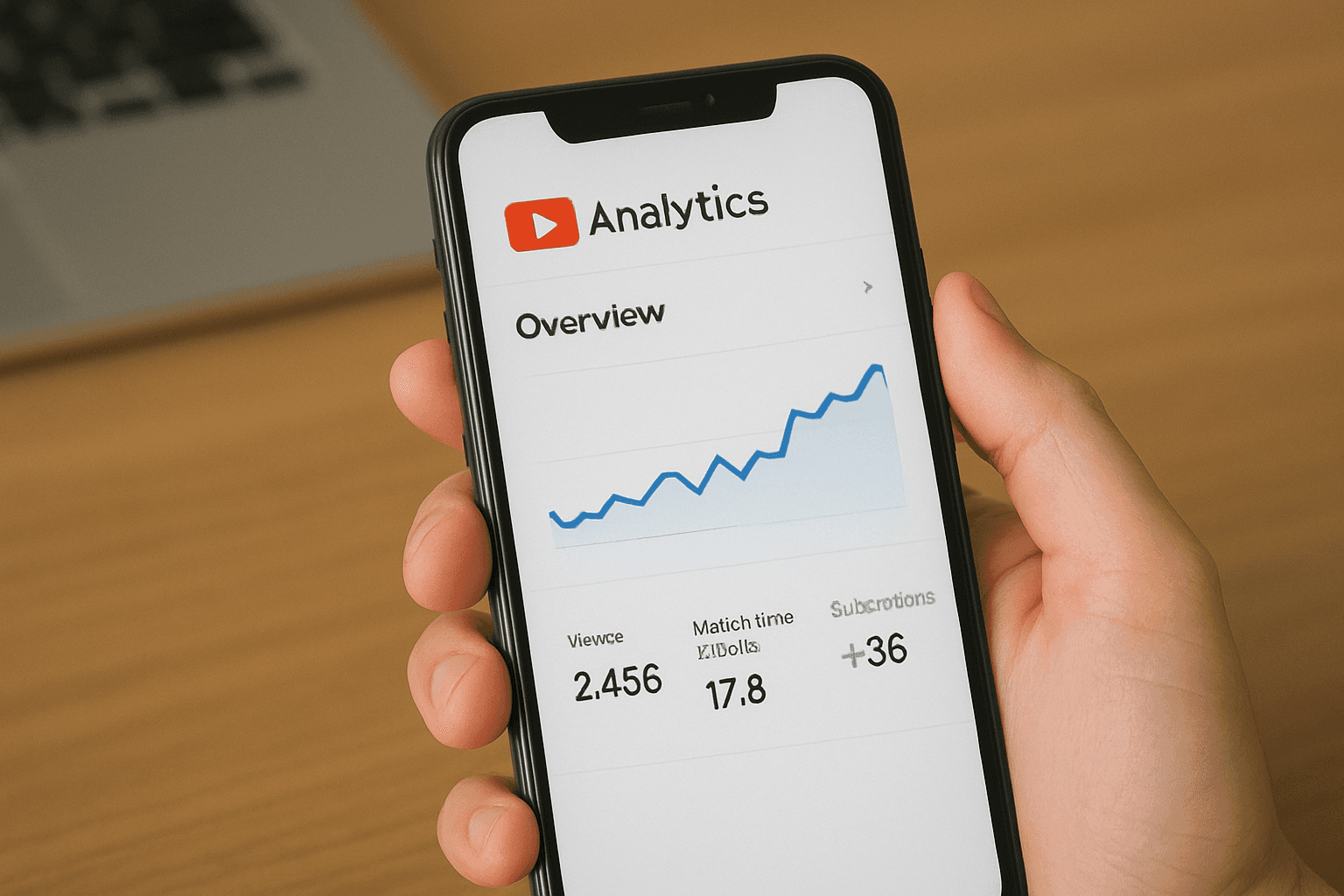
YouTube Analytics is one of the most powerful tools for channel growth, yet many creators in India never use it to its full potential. If your views are stuck or your watch time is not improving, the problem is usually a lack of clear data understanding. YouTube Analytics shows what viewers like, why they stay, and when they click away. When you understand this data, you can create video content that grows faster and performs better in the long run.
The YouTube Analytics dashboard provides creators with insights that explain viewer psychology, session duration behavior, traffic trends, and engagement patterns. When used correctly, it helps digital creators shape a stronger content strategy planning process and make smarter decisions with confidence.
Understanding the YouTube Analytics Dashboard
The YouTube Analytics dashboard is the control center for your channel. It gives a full breakdown of what is working and what needs improvement. If you want to grow faster this year, you need to track the right metrics inside your dashboard.
Key areas in the dashboard you should study
1. Overview section
This shows your total performance reports including views, watch time, subscribers, and revenue. It helps you identify if your recent content trends are improving or slowing down.
2. Reach section
The reach tab highlights traffic sources, impression counts, and YouTube search performance. This is where YouTube CTR analysis becomes important. A strong CTR means your thumbnail performance and titles are attracting clicks.
3. Engagement section
This section tracks average view duration, video engagement rates, and session duration. If your viewers drop off early, it signals a need for better hooks or improved pacing.
4. Audience section
Here you can explore audience demographics, returning viewer behavior, and subscriber retention. These insights guide long term niche decisions and help creators build loyal followers.
For structured learning, creators who want step by step skills can explore the youtube analytics course on WebVeda. It is designed to help creators understand data easily and create stronger YouTube strategies.
Using YouTube Studio Insights for Stronger Growth

YouTube Studio insights offer powerful clues about how viewers behave on your content. A lot of creators rely on guesswork instead of understanding what their audience actually prefers. Instead of guessing, applying strategies from a Long Study Routine can help you systematically analyze video performance and plan content efficiently.Important insights to track
When viewers drop off
Which videos attract new subscribers
Why certain thumbnails get more clicks
How content changes affect video retention
Creators who use insights actively are able to adjust scripts, visuals, and delivery styles based on real data, not assumptions.
Why YouTube Performance Tracking Matters
YouTube performance tracking is not about checking numbers randomly. It is about spotting patterns early so you can respond fast. If you post videos consistently but do not grow, performance tracking quickly shows where the issue lies.
Performance tracking reveals
Weak titles
Poor retention
Low CTR
Slow audience growth
Decreasing watch time
Creators who study these patterns every week improve much faster than creators who upload blindly. Performance tracking builds awareness and helps you create a clear action plan for your next set of videos, especially when focusing on Top Faceless Niches 2025 that have proven high demand.
Using YouTube RPM Analytics to Improve Revenue
YouTube RPM analytics helps creators understand how much they actually earn per 1,000 views. Revenue does not depend only on views. It depends on what topics you choose and how engaged your viewers are.
Factors that influence RPM include
Audience location
Video length
Content category
Viewer retention
Creators who focus on deeper content and high value topics often achieve stronger RPMs. This is because advertisers pay more for videos that attract serious and engaged viewers.
Mastering YouTube CTR Analysis to Increase Views
CTR or click through rate decides whether the algorithm pushes your video. If viewers do not click, your video will not get recommended. CTR analysis helps you understand how your thumbnail performance and titles can improve.
Ways to improve CTR
Use clear titles that speak to viewer intent
Choose simple thumbnails with one focal point
A/B testing different designs
Study traffic trends to see what topics are rising
When CTR goes up, YouTube immediately tests your video with a larger audience. This opens the door to faster channel growth.
How Viewer Psychology Shapes Your Strategy
Viewer psychology determines how people behave when they watch your videos. If you understand it, you can create content that connects better. For example, viewers stay longer when they get value early. They click more when the thumbnail solves a direct problem.
Creators who use viewer psychology grow faster because their videos feel clear, direct, and helpful. They also use strong openers to set expectations and build curiosity, while conducting thorough YouTube Keyword Research to optimize video discoverability and reach.
A/B Testing for Better Performance
A/B testing helps creators compare different versions of thumbnails, titles, or content formats. It answers the question: what does your audience respond to more? Small changes often lead to big improvements in impressions and retention.
A/B testing works well with:
Thumbnail variations
Title rewrites
Different video structures
Different intro styles
Smart testing saves time and removes guesswork.
Content Optimization Based on Real Analytics
Content optimization means shaping your future videos based on data. When you study retention graphs, you understand where viewers leave. When you study demographics, you understand who is watching. When you study traffic trends, you understand what topics to explore next.
Creators use this data to refine their video content strategy planning. This leads to steadier growth and stronger algorithm support.
If you want to improve your YouTube strategy from the ground up, explore WebVeda and Check our all courses to gain practical skills that support your digital creator journey.
Conclusion
YouTube Analytics is not just a numbers tool. It is a growth engine for creators who use it with focus. When you understand your YouTube Analytics dashboard, study YouTube Studio insights, track performance regularly, and apply CTR analysis, your videos start performing better. Data driven creators grow faster because they make decisions based on evidence, not guesswork. If you want to become a successful creator in India, mastering YouTube Analytics is one of the most important steps. Keep learning, testing, and improving your process to unlock your channel’s potential with confidence. YouTube Analytics will continue to shape your strategy and help you scale faster.
FAQ
1. What is YouTube Analytics used for?
It is used to track video performance, watch time, audience behavior, and traffic sources to guide your content decisions.
2. Which YouTube metrics matter most for channel growth?
CTR, audience retention, average view duration, subscriber growth, and traffic source quality play the biggest role in growth.
3. How often should creators check their YouTube Analytics?
Creators should check it at least two or three times a week to stay updated on performance changes and trends.
4. Can YouTube Analytics help increase watch time?
Yes, retention graphs show where viewers drop off, helping you improve pacing and structure for higher watch time.
5. What is a good average view duration on YouTube?
A strong average view duration usually falls between 40 to 60 percent of total video length depending on the niche.
6. Where do you find audience retention reports in YouTube Analytics?
They are located inside the Engagement section under the retention report panel.




YouTube Analytics is one of the most powerful tools for channel growth, yet many creators in India never use it to its full potential. If your views are stuck or your watch time is not improving, the problem is usually a lack of clear data understanding. YouTube Analytics shows what viewers like, why they stay, and when they click away. When you understand this data, you can create video content that grows faster and performs better in the long run.
The YouTube Analytics dashboard provides creators with insights that explain viewer psychology, session duration behavior, traffic trends, and engagement patterns. When used correctly, it helps digital creators shape a stronger content strategy planning process and make smarter decisions with confidence.
Understanding the YouTube Analytics Dashboard
The YouTube Analytics dashboard is the control center for your channel. It gives a full breakdown of what is working and what needs improvement. If you want to grow faster this year, you need to track the right metrics inside your dashboard.
Key areas in the dashboard you should study
1. Overview section
This shows your total performance reports including views, watch time, subscribers, and revenue. It helps you identify if your recent content trends are improving or slowing down.
2. Reach section
The reach tab highlights traffic sources, impression counts, and YouTube search performance. This is where YouTube CTR analysis becomes important. A strong CTR means your thumbnail performance and titles are attracting clicks.
3. Engagement section
This section tracks average view duration, video engagement rates, and session duration. If your viewers drop off early, it signals a need for better hooks or improved pacing.
4. Audience section
Here you can explore audience demographics, returning viewer behavior, and subscriber retention. These insights guide long term niche decisions and help creators build loyal followers.
For structured learning, creators who want step by step skills can explore the youtube analytics course on WebVeda. It is designed to help creators understand data easily and create stronger YouTube strategies.
Using YouTube Studio Insights for Stronger Growth
YouTube Studio insights offer powerful clues about how viewers behave on your content. A lot of creators rely on guesswork instead of understanding what their audience actually prefers. Instead of guessing, applying strategies from a Long Study Routine can help you systematically analyze video performance and plan content efficiently.Important insights to track
When viewers drop off
Which videos attract new subscribers
Why certain thumbnails get more clicks
How content changes affect video retention
Creators who use insights actively are able to adjust scripts, visuals, and delivery styles based on real data, not assumptions.
Why YouTube Performance Tracking Matters
YouTube performance tracking is not about checking numbers randomly. It is about spotting patterns early so you can respond fast. If you post videos consistently but do not grow, performance tracking quickly shows where the issue lies.
Performance tracking reveals
Weak titles
Poor retention
Low CTR
Slow audience growth
Decreasing watch time
Creators who study these patterns every week improve much faster than creators who upload blindly. Performance tracking builds awareness and helps you create a clear action plan for your next set of videos, especially when focusing on Top Faceless Niches 2025 that have proven high demand.
Using YouTube RPM Analytics to Improve Revenue
YouTube RPM analytics helps creators understand how much they actually earn per 1,000 views. Revenue does not depend only on views. It depends on what topics you choose and how engaged your viewers are.
Factors that influence RPM include
Audience location
Video length
Content category
Viewer retention
Creators who focus on deeper content and high value topics often achieve stronger RPMs. This is because advertisers pay more for videos that attract serious and engaged viewers.
Mastering YouTube CTR Analysis to Increase Views
CTR or click through rate decides whether the algorithm pushes your video. If viewers do not click, your video will not get recommended. CTR analysis helps you understand how your thumbnail performance and titles can improve.
Ways to improve CTR
Use clear titles that speak to viewer intent
Choose simple thumbnails with one focal point
A/B testing different designs
Study traffic trends to see what topics are rising
When CTR goes up, YouTube immediately tests your video with a larger audience. This opens the door to faster channel growth.
How Viewer Psychology Shapes Your Strategy
Viewer psychology determines how people behave when they watch your videos. If you understand it, you can create content that connects better. For example, viewers stay longer when they get value early. They click more when the thumbnail solves a direct problem.
Creators who use viewer psychology grow faster because their videos feel clear, direct, and helpful. They also use strong openers to set expectations and build curiosity, while conducting thorough YouTube Keyword Research to optimize video discoverability and reach.
A/B Testing for Better Performance
A/B testing helps creators compare different versions of thumbnails, titles, or content formats. It answers the question: what does your audience respond to more? Small changes often lead to big improvements in impressions and retention.
A/B testing works well with:
Thumbnail variations
Title rewrites
Different video structures
Different intro styles
Smart testing saves time and removes guesswork.
Content Optimization Based on Real Analytics
Content optimization means shaping your future videos based on data. When you study retention graphs, you understand where viewers leave. When you study demographics, you understand who is watching. When you study traffic trends, you understand what topics to explore next.
Creators use this data to refine their video content strategy planning. This leads to steadier growth and stronger algorithm support.
If you want to improve your YouTube strategy from the ground up, explore WebVeda and Check our all courses to gain practical skills that support your digital creator journey.
Conclusion
YouTube Analytics is not just a numbers tool. It is a growth engine for creators who use it with focus. When you understand your YouTube Analytics dashboard, study YouTube Studio insights, track performance regularly, and apply CTR analysis, your videos start performing better. Data driven creators grow faster because they make decisions based on evidence, not guesswork. If you want to become a successful creator in India, mastering YouTube Analytics is one of the most important steps. Keep learning, testing, and improving your process to unlock your channel’s potential with confidence. YouTube Analytics will continue to shape your strategy and help you scale faster.
FAQ
1. What is YouTube Analytics used for?
It is used to track video performance, watch time, audience behavior, and traffic sources to guide your content decisions.
2. Which YouTube metrics matter most for channel growth?
CTR, audience retention, average view duration, subscriber growth, and traffic source quality play the biggest role in growth.
3. How often should creators check their YouTube Analytics?
Creators should check it at least two or three times a week to stay updated on performance changes and trends.
4. Can YouTube Analytics help increase watch time?
Yes, retention graphs show where viewers drop off, helping you improve pacing and structure for higher watch time.
5. What is a good average view duration on YouTube?
A strong average view duration usually falls between 40 to 60 percent of total video length depending on the niche.
6. Where do you find audience retention reports in YouTube Analytics?
They are located inside the Engagement section under the retention report panel.
YouTube Analytics is one of the most powerful tools for channel growth, yet many creators in India never use it to its full potential. If your views are stuck or your watch time is not improving, the problem is usually a lack of clear data understanding. YouTube Analytics shows what viewers like, why they stay, and when they click away. When you understand this data, you can create video content that grows faster and performs better in the long run.
The YouTube Analytics dashboard provides creators with insights that explain viewer psychology, session duration behavior, traffic trends, and engagement patterns. When used correctly, it helps digital creators shape a stronger content strategy planning process and make smarter decisions with confidence.
Understanding the YouTube Analytics Dashboard
The YouTube Analytics dashboard is the control center for your channel. It gives a full breakdown of what is working and what needs improvement. If you want to grow faster this year, you need to track the right metrics inside your dashboard.
Key areas in the dashboard you should study
1. Overview section
This shows your total performance reports including views, watch time, subscribers, and revenue. It helps you identify if your recent content trends are improving or slowing down.
2. Reach section
The reach tab highlights traffic sources, impression counts, and YouTube search performance. This is where YouTube CTR analysis becomes important. A strong CTR means your thumbnail performance and titles are attracting clicks.
3. Engagement section
This section tracks average view duration, video engagement rates, and session duration. If your viewers drop off early, it signals a need for better hooks or improved pacing.
4. Audience section
Here you can explore audience demographics, returning viewer behavior, and subscriber retention. These insights guide long term niche decisions and help creators build loyal followers.
For structured learning, creators who want step by step skills can explore the youtube analytics course on WebVeda. It is designed to help creators understand data easily and create stronger YouTube strategies.
Using YouTube Studio Insights for Stronger Growth
YouTube Studio insights offer powerful clues about how viewers behave on your content. A lot of creators rely on guesswork instead of understanding what their audience actually prefers. Instead of guessing, applying strategies from a Long Study Routine can help you systematically analyze video performance and plan content efficiently.Important insights to track
When viewers drop off
Which videos attract new subscribers
Why certain thumbnails get more clicks
How content changes affect video retention
Creators who use insights actively are able to adjust scripts, visuals, and delivery styles based on real data, not assumptions.
Why YouTube Performance Tracking Matters
YouTube performance tracking is not about checking numbers randomly. It is about spotting patterns early so you can respond fast. If you post videos consistently but do not grow, performance tracking quickly shows where the issue lies.
Performance tracking reveals
Weak titles
Poor retention
Low CTR
Slow audience growth
Decreasing watch time
Creators who study these patterns every week improve much faster than creators who upload blindly. Performance tracking builds awareness and helps you create a clear action plan for your next set of videos, especially when focusing on Top Faceless Niches 2025 that have proven high demand.
Using YouTube RPM Analytics to Improve Revenue
YouTube RPM analytics helps creators understand how much they actually earn per 1,000 views. Revenue does not depend only on views. It depends on what topics you choose and how engaged your viewers are.
Factors that influence RPM include
Audience location
Video length
Content category
Viewer retention
Creators who focus on deeper content and high value topics often achieve stronger RPMs. This is because advertisers pay more for videos that attract serious and engaged viewers.
Mastering YouTube CTR Analysis to Increase Views
CTR or click through rate decides whether the algorithm pushes your video. If viewers do not click, your video will not get recommended. CTR analysis helps you understand how your thumbnail performance and titles can improve.
Ways to improve CTR
Use clear titles that speak to viewer intent
Choose simple thumbnails with one focal point
A/B testing different designs
Study traffic trends to see what topics are rising
When CTR goes up, YouTube immediately tests your video with a larger audience. This opens the door to faster channel growth.
How Viewer Psychology Shapes Your Strategy
Viewer psychology determines how people behave when they watch your videos. If you understand it, you can create content that connects better. For example, viewers stay longer when they get value early. They click more when the thumbnail solves a direct problem.
Creators who use viewer psychology grow faster because their videos feel clear, direct, and helpful. They also use strong openers to set expectations and build curiosity, while conducting thorough YouTube Keyword Research to optimize video discoverability and reach.
A/B Testing for Better Performance
A/B testing helps creators compare different versions of thumbnails, titles, or content formats. It answers the question: what does your audience respond to more? Small changes often lead to big improvements in impressions and retention.
A/B testing works well with:
Thumbnail variations
Title rewrites
Different video structures
Different intro styles
Smart testing saves time and removes guesswork.
Content Optimization Based on Real Analytics
Content optimization means shaping your future videos based on data. When you study retention graphs, you understand where viewers leave. When you study demographics, you understand who is watching. When you study traffic trends, you understand what topics to explore next.
Creators use this data to refine their video content strategy planning. This leads to steadier growth and stronger algorithm support.
If you want to improve your YouTube strategy from the ground up, explore WebVeda and Check our all courses to gain practical skills that support your digital creator journey.
Conclusion
YouTube Analytics is not just a numbers tool. It is a growth engine for creators who use it with focus. When you understand your YouTube Analytics dashboard, study YouTube Studio insights, track performance regularly, and apply CTR analysis, your videos start performing better. Data driven creators grow faster because they make decisions based on evidence, not guesswork. If you want to become a successful creator in India, mastering YouTube Analytics is one of the most important steps. Keep learning, testing, and improving your process to unlock your channel’s potential with confidence. YouTube Analytics will continue to shape your strategy and help you scale faster.
FAQ
1. What is YouTube Analytics used for?
It is used to track video performance, watch time, audience behavior, and traffic sources to guide your content decisions.
2. Which YouTube metrics matter most for channel growth?
CTR, audience retention, average view duration, subscriber growth, and traffic source quality play the biggest role in growth.
3. How often should creators check their YouTube Analytics?
Creators should check it at least two or three times a week to stay updated on performance changes and trends.
4. Can YouTube Analytics help increase watch time?
Yes, retention graphs show where viewers drop off, helping you improve pacing and structure for higher watch time.
5. What is a good average view duration on YouTube?
A strong average view duration usually falls between 40 to 60 percent of total video length depending on the niche.
6. Where do you find audience retention reports in YouTube Analytics?
They are located inside the Engagement section under the retention report panel.
© Copyright 2025
© Copyright 2025
© Copyright 2025